Contact details in plain text
Name, email and telephone should be easy to select and find.
Browse professional, modern, simple and creative resume templates. See how each style handles real experience, then choose the one that puts your strongest details first.
Find a template
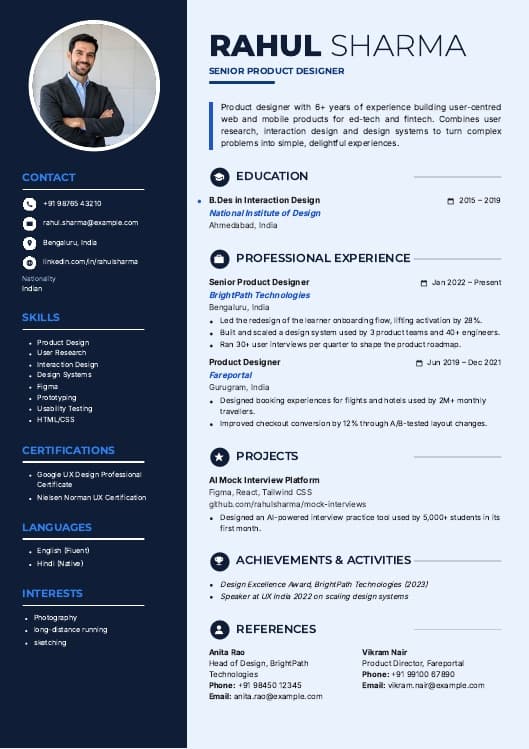
Five styles shown with 15 example careers. Each example uses one of the real Walkin24 templates, so what you preview is what you build.
Showing 15 of 15 examples
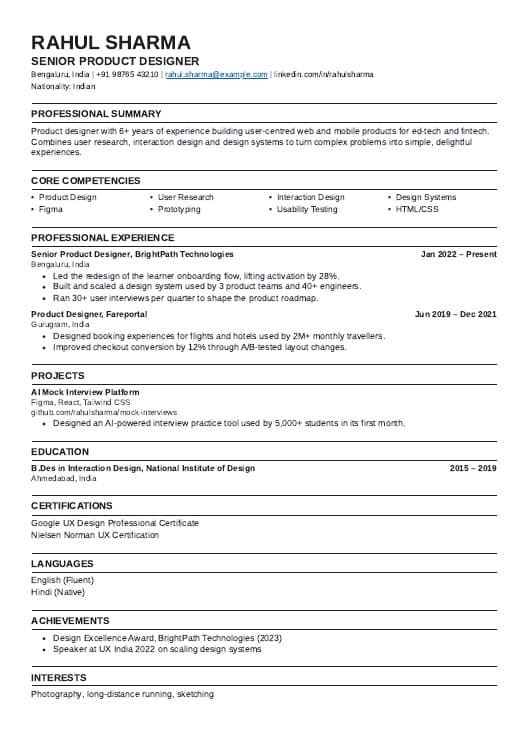
Professional · Experienced
Structured work history and achievements. Template: Classic.
Minimal · Fresher
Coursework, projects and internships. Template: Clean Line.
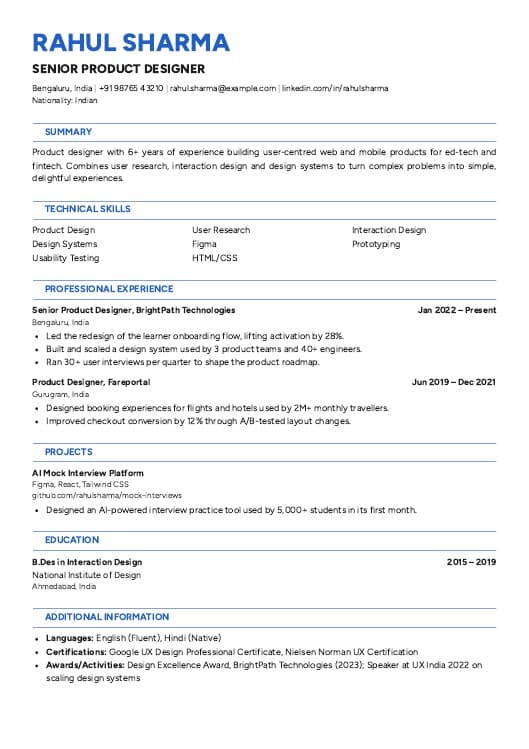
Modern · Experienced
Technical skills and shipped projects. Template: Azure.
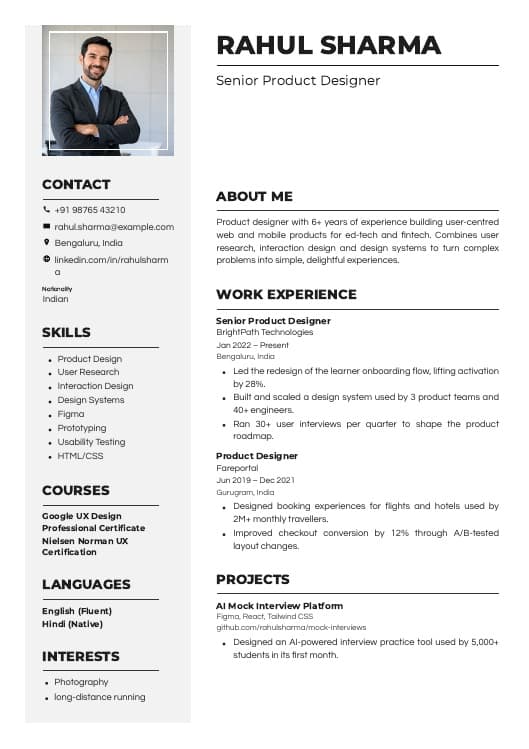
Creative · Experienced
Portfolio and design projects. Template: Chevron.
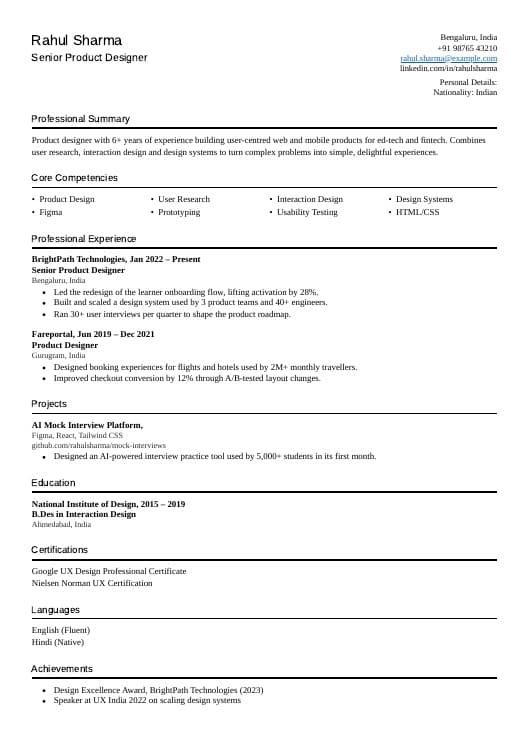
Professional · Experienced
People operations and hiring experience. Template: Slate.
Minimal · Career change
Transferable strengths and recent experience. Template: Sage.
Elegant · Experienced
Responsibilities and case-related work. Template: Olive.
Creative · Experienced
Campaigns, channels and outcomes. Template: Sunbeam.
Professional · Experienced
Targets, client work and results. Template: Keystone.
Minimal · Fresher
Education and practical assignments. Template: Graduate.
Modern · Experienced
Product outcomes and collaboration. Template: Compass.
Elegant · Experienced
Teaching, qualifications and curriculum work. Template: Frame.
Creative · Career change
Writing portfolio and transferable work. Template: Copper.
Previews show the builder’s sample content, not real applicants. The builder has 23 templates in all: 5 free and 18 Premium.
A quicker way to choose
A good template gives the right details room. Choose your situation to see which style to preview first.
Start with Minimal or Professional.
Let projects, education and internships do some of the work when you do not have a long employment history.
Curated picks
Find a layout based on your experience and the roles you are applying for.
ATS-friendly resume templates
A resume template should help someone find your experience, not make them work for it. Keep headings familiar, contact details in readable text and section order consistent.
Some applicant tracking systems struggle with complex layouts, text boxes, images or unusual reading order. No template can guarantee an interview or a universal ATS score.
Explore the ATS resume checkerName, email and telephone should be easy to select and find.
Use Experience, Education, Projects and Skills where relevant.
Show where you used an important skill, not just its name.
Check text selection, page breaks and the employer’s requested file type.
Resume formats
A template style and a resume format are different things. The best structure depends on how you want a reader to understand your experience.
Best when recent experience tells the clearest story. Put your latest relevant roles first, with dates and accomplishments.
Start with selected strengths, then keep a clear employment history. Avoid hiding dates or changing official job titles.
Show the work you have done in courses, internships, projects or volunteering when paid experience is limited.
Why templates help
No guessing where to put education, skills, projects or experience. Use a starting point you can edit.
Keep the right parts of your history easy to find, whether you are applying for a first role or your next move.
Read your exported document, correct the wording and review the ATS feedback before applying.
Resume templates for freshers
Your first resume does not need to read like someone else’s five-year career. Start with the work you can explain: a college project, internship, volunteer task or relevant course.
A project bullet works best when it names the tools and the part you handled.
“Worked on college projects.”
It is difficult to tell what you built or contributed.
“Created book search and issue/return functions with Java and MySQL for a college project.”
Names the tools and the part you handled.
Resume + cover letter
The resume shows the evidence. The cover letter explains why the role interests you. A coordinated, readable style helps both documents feel like one application.
In Walkin24, the cover letter is part of each resume and uses the same template, so your details, typography and headings match. Let the letter explain motivation and relevant evidence rather than repeat the resume word for word.
Explore the cover letter builderAarav Mehta
Junior Data Analyst applicant · Pune, India
Dear Hiring Team,
I am applying for the Junior Data Analyst role. My reporting internship and SQL project gave me practical experience working with data.
During my internship, I maintained a weekly Excel report and checked duplicate entries before sharing it with my manager.
I would welcome the chance to discuss how this experience fits your team’s work.
Kind regards,
Aarav Mehta
Three steps
Compare Minimal, Professional, Modern, Elegant and Creative layouts before you commit. You can switch later.
Enter accurate experience, education, projects and skills. Check any writing suggestions before you use them.
Inspect the final layout and your plan’s download options. Follow the employer’s instructions.
Know what you get
The free plan includes one resume, a basic ATS score and 5 templates you can download as PDF. Premium plans add more resumes, every template, deeper ATS analysis and Word downloads.
Start free
Need more resume versions?
Questions before you choose
Want the full builder tour? See the AI Resume Builder, or read our resume format guide.
5 of the 23 templates are free. The free plan includes one resume, a basic ATS score and PDF download with any free template. The other 18 templates and Word downloads come with Premium.
Start with a clear format that gives education, projects, internships and practical skills enough room. Minimal and Professional are sensible styles to preview first: Clean Line is free, and Graduate and Scholar (Premium) put education first. Use real examples, not invented achievements.
They aim for readable text, familiar headings and a logical order. No design is guaranteed to work perfectly in every employer’s applicant tracking system, so check the exported file and the application fields before you apply.
Choose Professional if you want a familiar, low-distraction structure. Choose Modern if a subtle visual accent suits the role. Either way, the detail you include matters more than decoration.
Yes. Use projects, education, internships, volunteering or relevant certifications to show what you have done. You do not need to invent paid work history.
Yes. Your details are saved separately from the design, so you can switch templates in the builder at any time without retyping your resume.
PDF download is free with any free template. Word (.docx) downloads and the Premium templates need a Premium plan.
For a job CV, choose a clear format and follow the employer’s instructions. Walkin24 does not have a separate academic CV template; academic CVs often need extra sections such as publications and can run to several pages.
Yes. Create a free account, pick one of the 5 free templates and build your resume. The free plan includes one resume and a basic ATS score.
Yes. Everything stays editable in the resume builder: change the wording, add or remove sections, or pick another template and download again.
A simple single-column structure can be easier to check for reading order. Complex layouts can cause parsing problems in some systems. Choose based on the employer’s requirements and check the final export.
Choose your style
Browse the styles, pick the one you can read at a glance and start building with Walkin24.
5 templates are free. Premium templates and Word downloads come with paid plans.